We aren’t really in Hawaii - I’m switching gears today and writing about an event that I recently attended in Los Angeles called Myprintly Print Suite. As you all know, I love traveling. And I’m always looking for easy and fun ways to document our adventures. So you can imagine how excited I was to receive an invitation to attend this event. I was even more excited to see that as an attendee, I would be receiving an HP Printer of my own. I want to add that in no way was I required to write about my experience. However, I loved it so much, as well as my new printer, that I wanted to share it with others.
During the event, I (along with other bloggers) had the opportunity to try out fun ways to document and preserve our pictures using an HP Printer. First, I loved learning the different ways I could use the printer. Second, I loved being able to interact with other bloggers with similar interests.
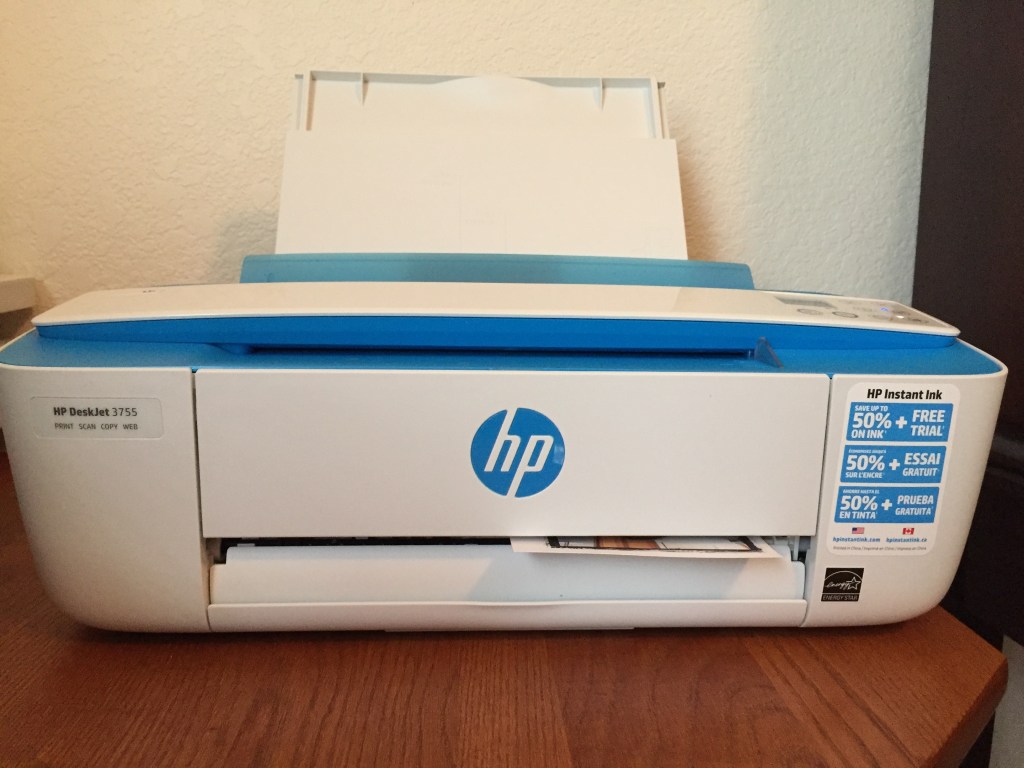
I couldn’t wait to bring my printer home and try it out for myself! As you can see from the pictures below, the HP Printer 3700 series is extremely compact - it’s wireless, and not only can you use it to print, but you can also use it to scan and copy.
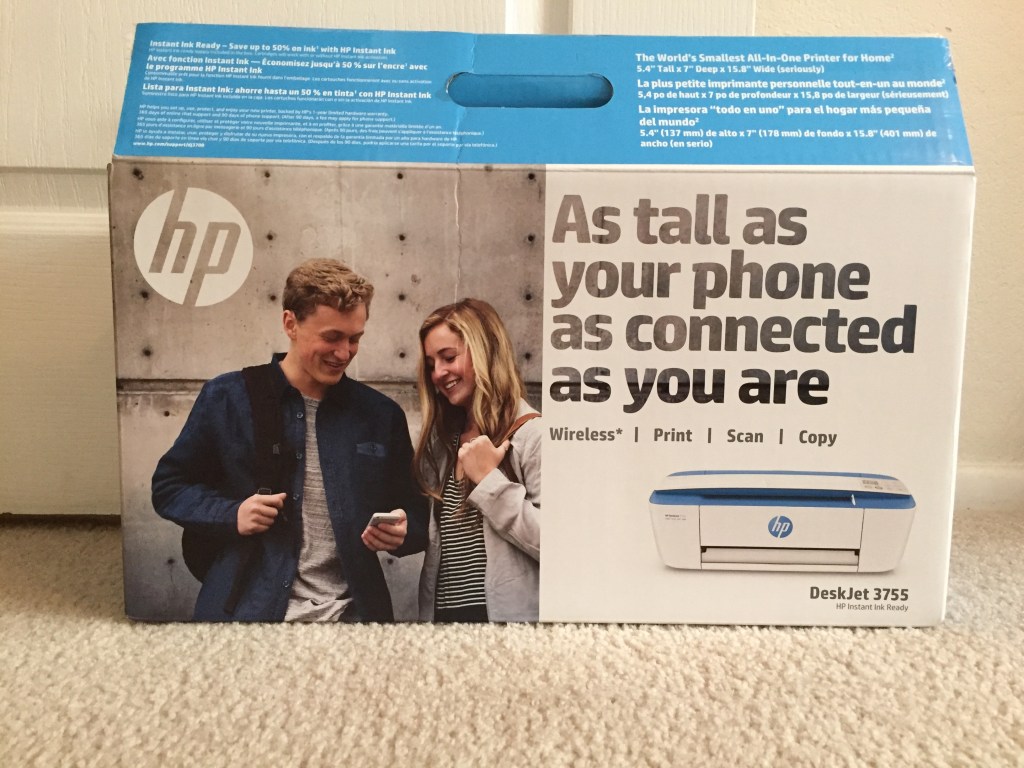
Here it is, all set up in my office!
I uploaded apps on my phone, like HP Cards, HP Snapshots, and Pic Collage. At the event, I was provided with a package of the HP Snapshots paper, so that’s what I tried at home.
The HP Snapshots is really easy to use - you can upload your pictures and select the template you want. I chose a picture of my son getting ready for one of our favorite rides at Disney California Adventure, Toy Story Midway Mania 🙂
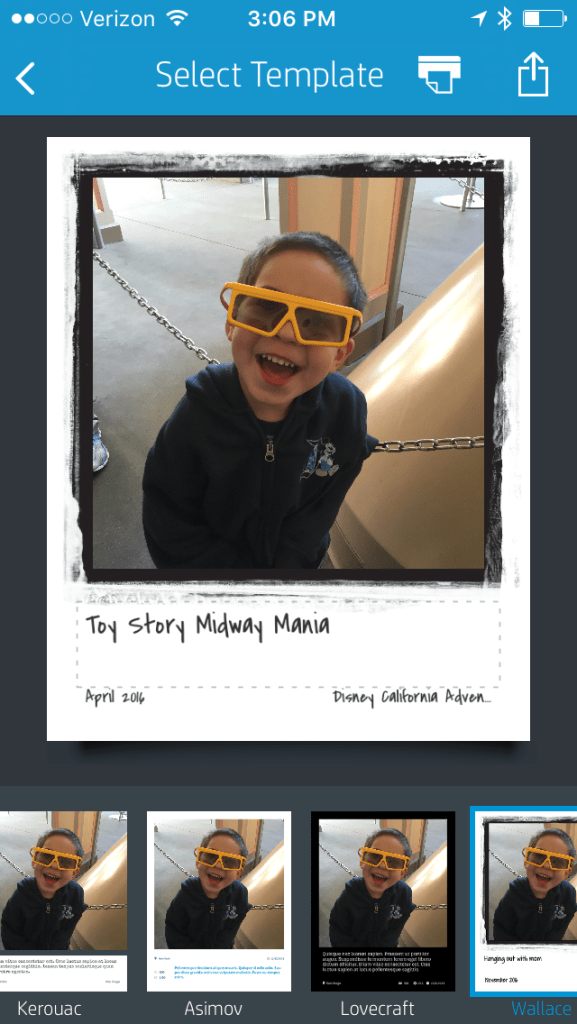
From there, I sent it to the printer and voila!
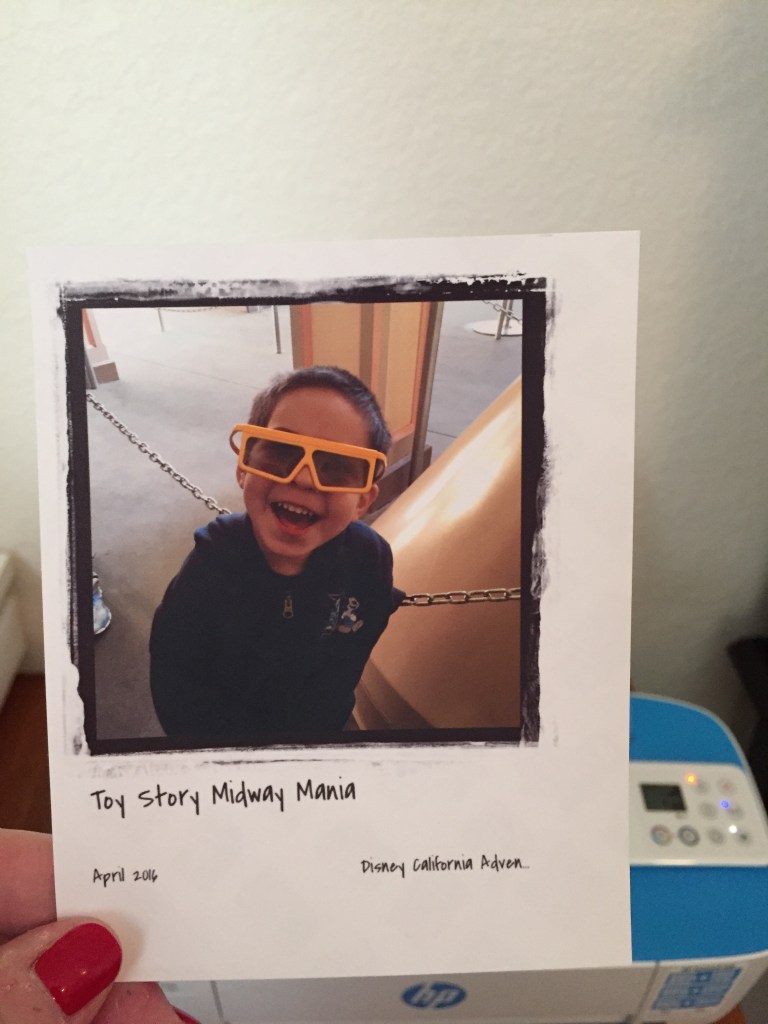
The paper itself has a sticky backing, so you can just stick it to the wall without ruining the wall.
My favorite app, though, is HP Cards. You can select the type of card you want, and also send it to the printer.
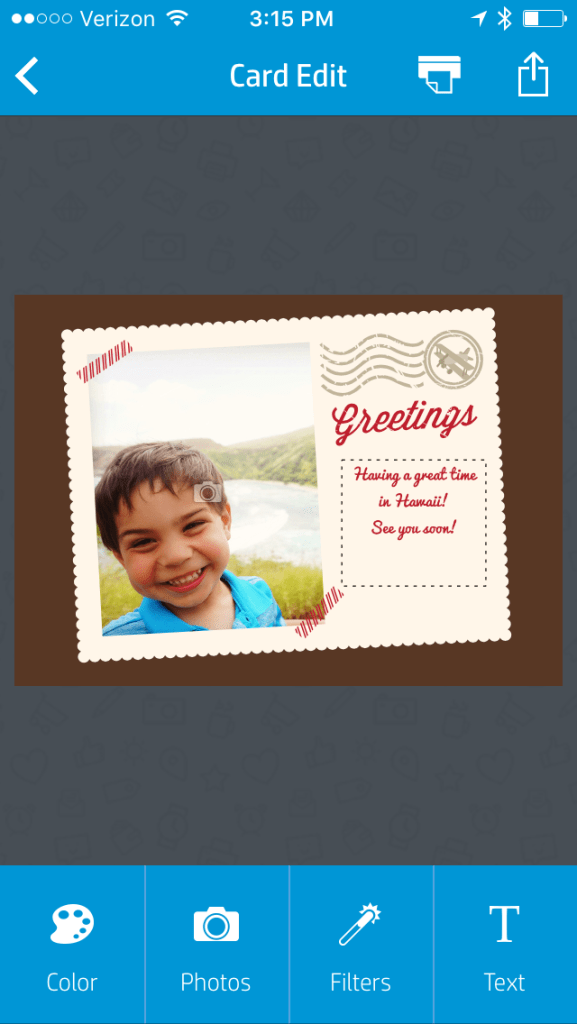
I don’t have the actual printed copy to show you because the paper is en route thanks to amazon 🙂 The app has basic templates, but what I really like is that I can download HP Photo Creations software - for free - and create and print invitations and greeting cards from home. I can’t wait to use this for our holiday cards this year!
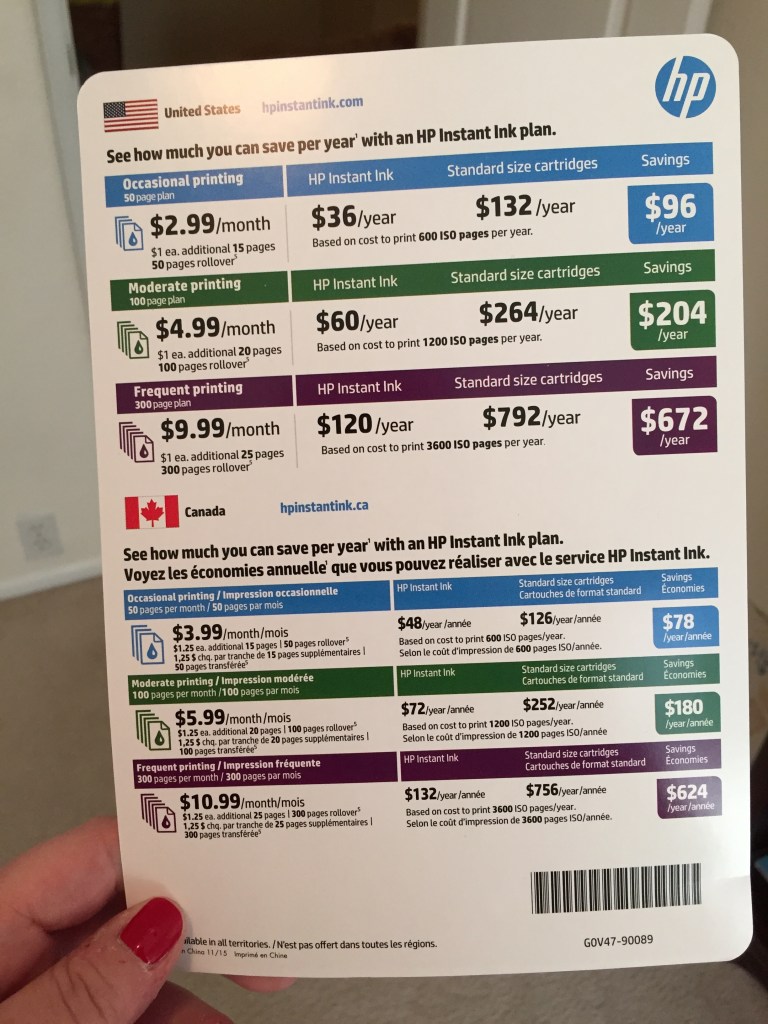
I also learned about HP’s Instant Ink Plan. I HATE running out of ink. It’s so frustrating when you want to print something out, and you realize that you are very low on ink. Plus, standard ink is expensive. My printer came with the sheet below which details HP’s Ink Plan compared to other standard cartridges.
At the event, we were also able to make two other projects - we made a frame as well as a coaster. Here’s the coaster that I made. It was VERY easy. Basically you print out the picture you want using the snapshots paper, stick the paper to a tile, then use a brush to put Mod Podge over the picture, and finally, put stoppers on the back of the coaster.
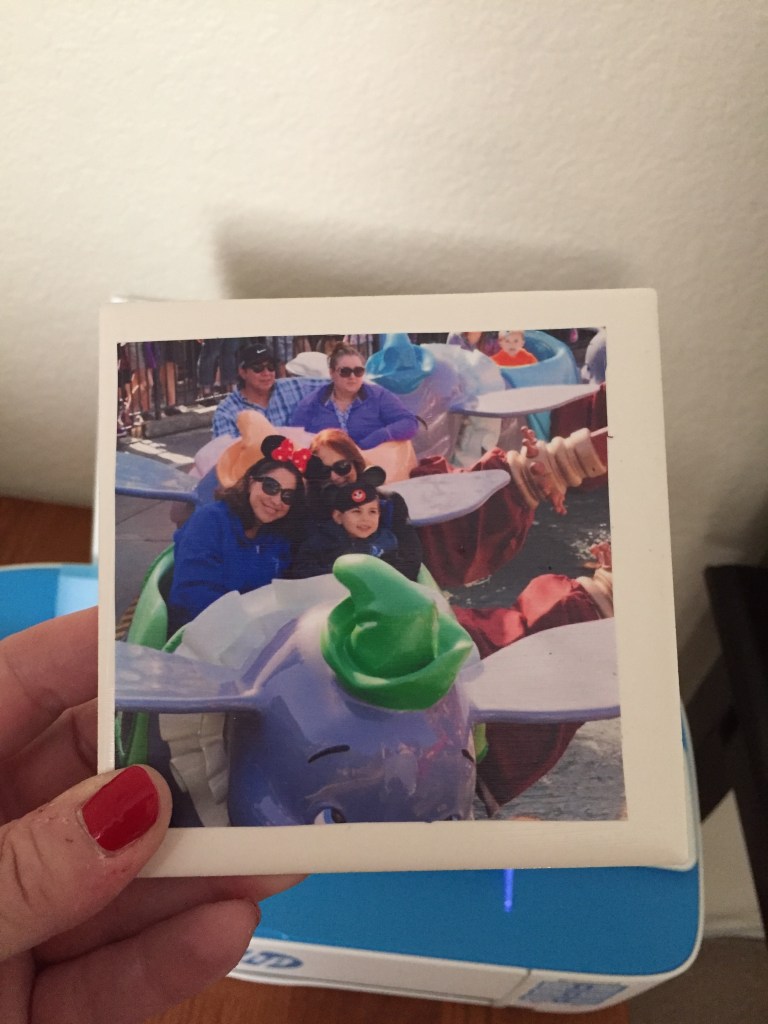
These are great gifts to make, especially for the holidays or special occasions.
As you can see, there’s plenty of things you can do with the HP Printer. You can get even more ideas by clicking on the MyPrintly website.